Text Repeater
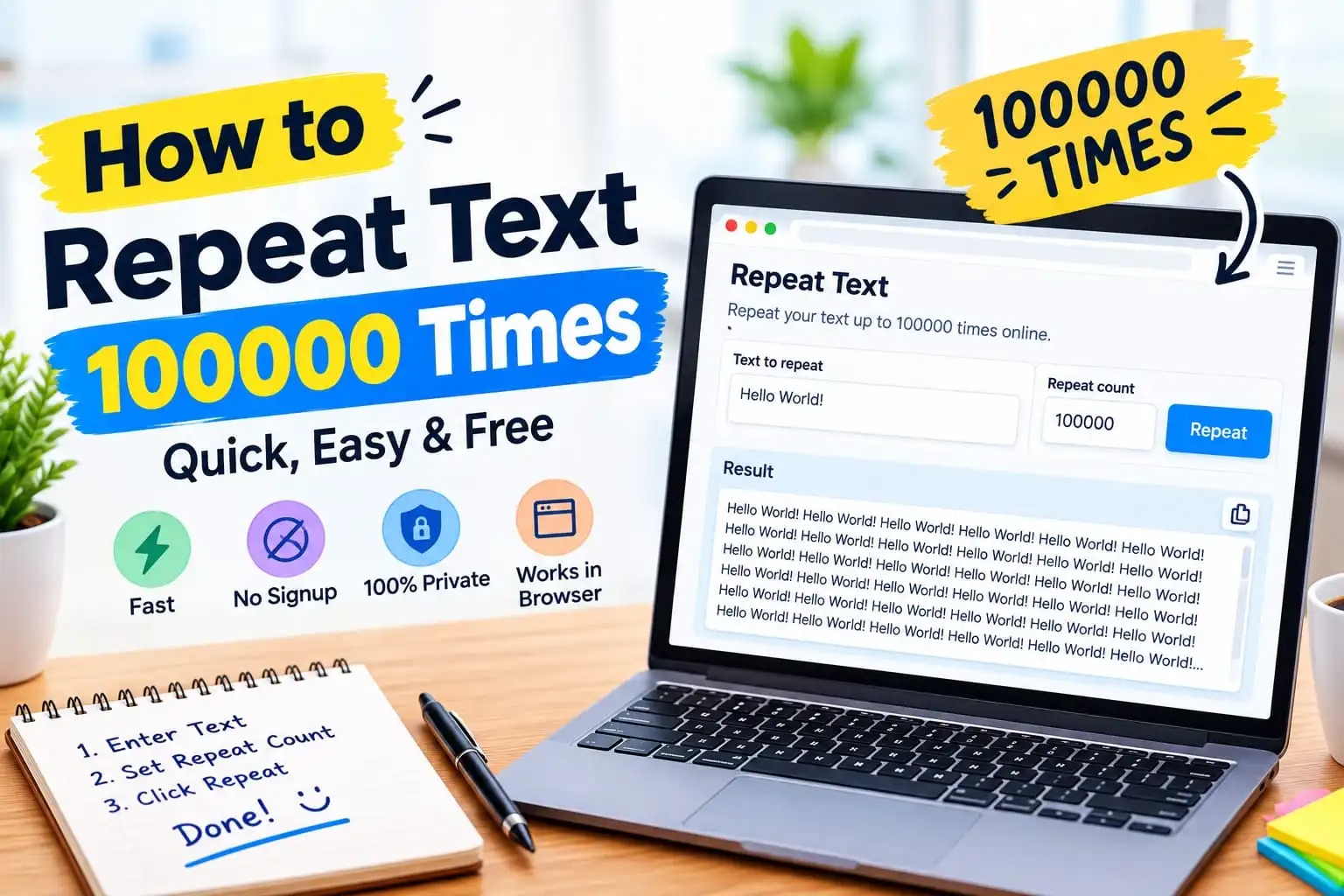
Paste your text, set a repeat count up to 100,000, choose a separator, and copy or download the result. Everything runs in your browser.
Why repeat text?
Repeating text sounds like a trivial task until you actually need to do it. Here are the most common reasons people reach for a text repeater:
- Stress testing — generating a large file of repeated data to test how a system handles size.
- Placeholder content — filling a design layout with dummy text when Lorem Ipsum doesn't quite fit.
- Character counters — testing the character limits of a text field, SMS gateways, or a form.
- Pattern generation — creating long strings of a pattern like
- - - - -or======for separators in plain-text files. - Testing text wrapping — checking how a long repeated string wraps across lines in an editor or renderer.
- Padding output — filling a document to a specific size for testing uploads or downloads.
- Learning — repeating a word or phrase many times as a visualisation exercise.
None of these are rare. But doing them by hand — copy, paste, copy, paste — is slow and error-prone. A text repeater does it in one click.
Paste your text into the Text Repeater above, set the count to 100,000, pick a separator, and click Repeat. Then copy or download the result.
How to repeat text 100,000 times
1 Enter the text you want to repeat
Type or paste anything you want duplicated: a single word, a sentence, a paragraph, or even a multi-line block. The tool treats whatever you enter as one unit and repeats that unit as many times as you choose.
2 Set the repeat count
Enter any number from 1 to 100,000. Use the preset chips for common counts (10, 100, 1,000, 10,000, 100,000) or type your own.
3 Choose a separator
The separator is what goes between each copy. Options include new line, space, comma, semicolon, tab, no separator, or a custom string. The separator never appears after the final copy — so you don't get a stray comma or newline at the end.
4 Click Repeat now
The tool builds the output string in memory and shows a preview in the output box. For very large outputs (like 100,000 repetitions of a long paragraph), the preview is capped at ~5 MB for performance. Use the Download .txt button to get the full result.
5 Copy or download
Click Copy output to put the result on your clipboard, or Download .txt to save it as a file. Both work on desktop and mobile.
Choosing the right separator
The separator changes how the output reads. Here's a quick reference:
| Separator | Best for | Example output (input = "hi") |
|---|---|---|
| New line | Lists, log data, one copy per line | hi |
| Space | Continuous prose, word padding | hi hi hi |
| Comma | CSV-style lists, tag strings | hi,hi,hi |
| Comma + space | Human-readable lists | hi, hi, hi |
| Semicolon + space | Inline lists with punctuation-safe boundaries | hi; hi; hi |
| Tab | Column-style padding, spreadsheet paste | hi hi hi |
| None | Character-by-character repetition, string building | hihihi |
| Custom | Any pattern: | , ---, :: |
hi | hi | hi |
Performance tips for 100,000+ repeats
Reproducing a short string 100,000 times is easy — even a phone handles it instantly. But if the text you're repeating is long, output size grows fast. Here's how to keep things smooth:
Estimate the output size first
Output size = (text length + separator length) × count. A 100-character paragraph repeated 100,000 times = roughly 10 million characters = about 10 MB. That's fine in memory, but the browser preview gets slow above ~5 MB, which is why the preview is capped.
Use Download instead of Copy for very large outputs
Copying a very large string to the clipboard can hang older browsers. Downloading streams it straight to a file — much faster and doesn't touch the clipboard.
Break up huge repeats if needed
If your browser is slow, repeat 10,000 times at a time, download each chunk, and concatenate them outside the browser. This is rarely needed, but it's a reliable fallback for phones and very old machines.
Short text + 100,000 repeats = instant. Long paragraph + 100,000 repeats = a few seconds. Multi-paragraph + 100,000 repeats = use Download and be patient.
The text repeater checklist
- Paste your text. Anything from one word to a block of paragraphs.
- Set the count. Presets for 10 / 100 / 1,000 / 10,000 / 100,000, or any number up to 100,000.
- Pick a separator. New line for lists, space for prose, none for string building.
- Preview first. Check the output box before copying or downloading.
- Use Download for big outputs. Faster than clipboard for very large results.
- Verify the count. Use the Word Counter if you need an exact size.
Repeat any text up to 100,000 times — free, private, browser-only
Frequently asked questions
Can I really repeat text 100,000 times?
Is there a file size or character limit?
What separators can I use between copies?
| or --- .